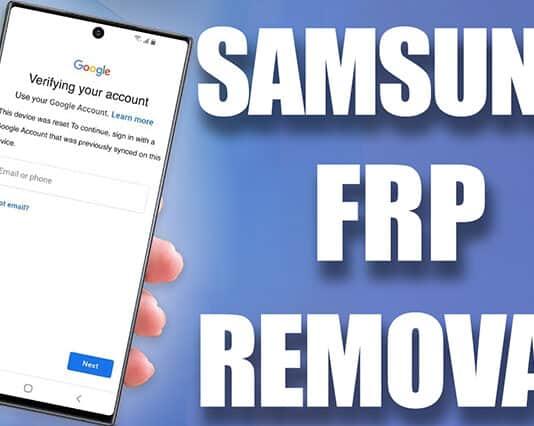
Samsung Worldwide FRP Remove Via USB Cable [Remote Service Supported Android 16 only]]
| Service Price | 65 USD |
| Delivery Time | 5-15 |
-

Universal A12 BYPASS TOOL CHEAP PRICE ON INSTANT
2 USD InstantIMEI -
[ i-Realm ] CHEAP Bypass | XR - 17 Pro Max / iPad Any Model
3 USD InstantIMEI -

HFZ A12 CHEAP BYPASS TOOL
4.46 USD MiniutesIMEI -
FRPFILE ACTIVATOR A12+ iPhone XR to 17 Pro Max - IPad A12+ To M3 Bypass [NO SIGNAL]
3.91 USD MiniutesIMEI
https://wa.me/message/T76BNOLGDLH7O1
Samsung FRP and Google Account Removal
Factory Reset Protection (FRP) is a security feature built into modern Android devices, including Samsung smartphones. Its purpose is to protect the phone from unauthorized access after a factory reset. When FRP is active, the device will ask for the previously synced Google account credentials before it can be set up again. This makes it difficult for thieves or unauthorized users to wipe and reuse a stolen device.
In legitimate cases—such as when someone forgets their Google account password or buys a used device without proper reset—FRP can become a challenge. The correct and safest way to remove FRP is by signing in with the original Google account or using official account recovery tools provided by Google. Samsung’s own customer support can also help when you can prove device ownership through proper documentation.
YOU NEED TO USE OUR SERVER TO REMOVE FRP FROM ANY SAMSUNG DEVICES.
Overall, FRP is a valuable feature that enhances device safety. Understanding how it works—and how to properly recover access through official channels—helps ensure that your Samsung device stays both usable and secure.
-
Samsung FRP lock
-
Samsung FRP reset
-
Samsung FRP Google verification
-
Samsung Google account lock
-
Samsung factory reset protection
-
Samsung FRP unlock official method
-
Google account verification required Samsung
-
Samsung FRP problem after reset
-
Samsung FRP locked help
-
Remove Google account from Samsung (official)
-
Samsung FRP support
-
Samsung account recovery
-
Google account recovery after reset
-
How to sign in after Samsung reset
-
Samsung device locked by Google verification